For people who build things
One day
at a time.
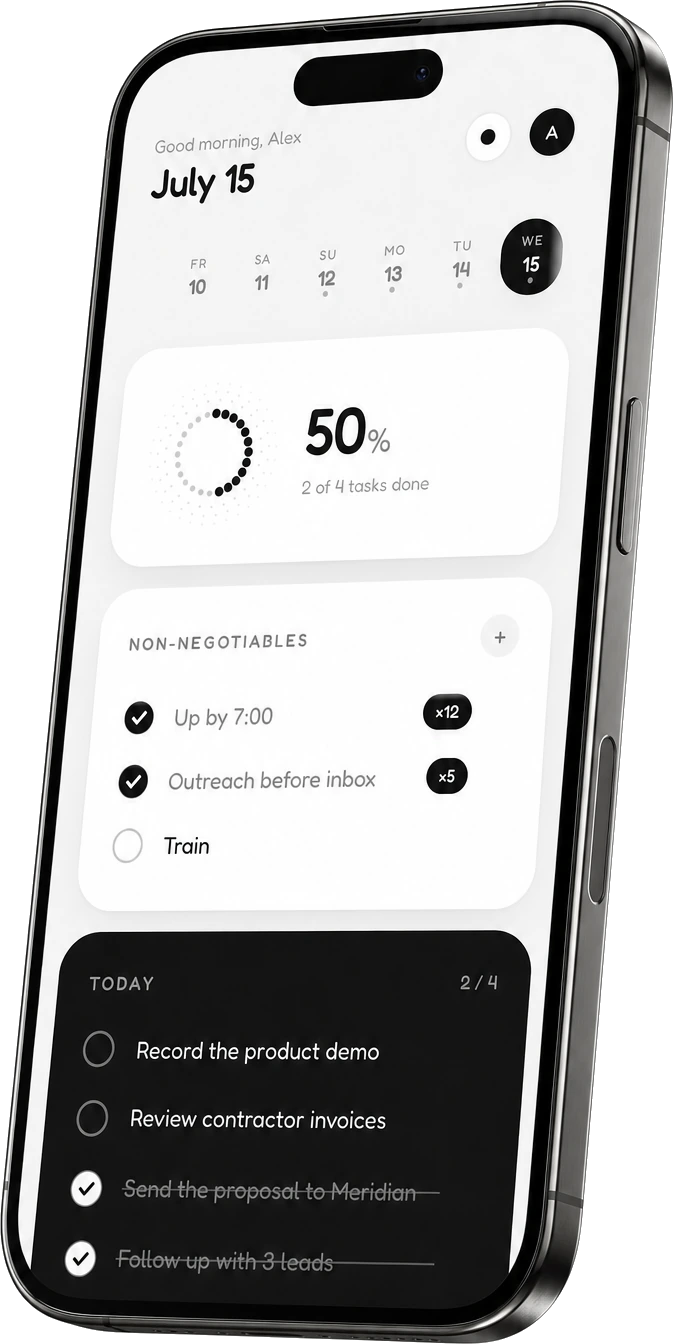
You run a business from nine apps and a browser with forty tabs. Daily is the opposite: one screen for today. The tasks that must happen, the habits you never skip, and every stray thought caught before it disappears into the next call.
in before your coffee cools


You don't need another productivity system.
You've tried the heavy ones: boards, backlogs, five priority levels, a graveyard of abandoned setups. The problem was never discipline. The tools asked for more than they gave back. Daily asks three questions: what must happen today, what do you never skip, and what did you just think of? That's the whole app. On purpose.
Non-negotiables
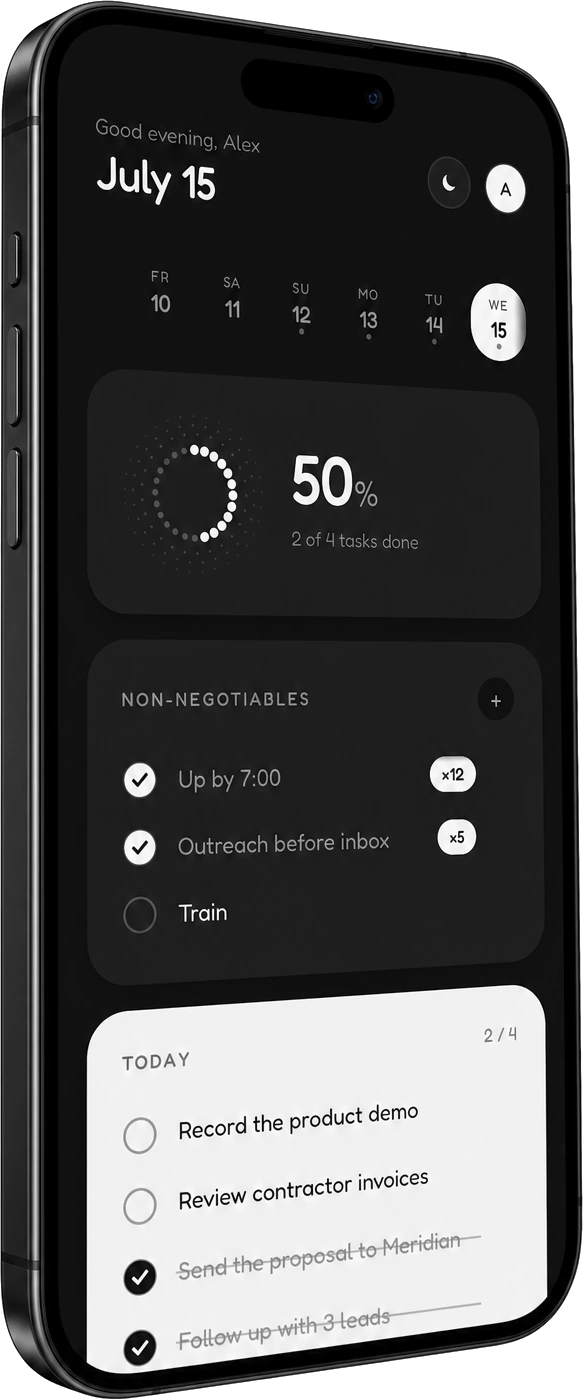
The few things you do every single day, deal or no deal. They reset each morning and quietly build a streak you won't want to break. Momentum you can see.
Done stays visible
Finished tasks don't vanish into an archive. They stay on the board, struck through. At the end of the day you see what you actually did, not just what's left.
Thoughts, caught
The pitch angle you thought of mid-lunch. The pricing idea in traffic. One tap, captured with its timestamp. Raw material for tomorrow instead of a memory you lost.
Your day, inside your AI.
Every other productivity app is busy adding a chat box. Daily went the other way: it moved into the tools you already have open. One key, and Claude Code, Codex or Claude Desktop can read today, plan it with you, tick things off as you finish them, and tell you the truth about your week. Daily is the first productivity app your agent can actually run.
the daily mcp
Say it once. Watch it land.
You are already in the terminal at 09:00. Say what the day is for, and your agent reads the day, sees what carried over from yesterday, and writes the list. It appears on your phone before you have closed the laptop.
Nineteen tools, one key, and a rule that does not bend: the key decides whose day it is. An agent can only ever reach the one account that minted it, and every single thing it touches is written down where you can see it.
Mint a key in Daily, paste one line, done. Revoke it in one tap and it stops mid-sentence.
Nineteen tools. No new habits.
Your agent gets the same day you get — tasks, rituals with their streaks, notes, and the honest numbers behind them. Read tools are open to any key. Writing needs a key you deliberately gave write access.
It plans the day
It reads what is already there, checks what you left open yesterday, and proposes a list short enough to actually finish. You say yes before anything is written.
plan my day around the Meridian callIt ticks things off
You finish the thing in the terminal, so the terminal closes it. No context switch, no phone, no forgetting to mark it done three hours later.
that's shipped — close it outIt tells you the truth
Seven days of real numbers instead of a feeling: what moved, what you kept dropping, which streak is carrying you. Built from your data, not your mood.
run my weekly reviewOne line, and it's connected.
Two ways in. Paste the URL into a client that speaks OAuth and approve it once — no key ever leaves the browser. Or mint a key in Daily and put it in a header. Both land on the same nineteen tools.
Works with any MCP client — the endpoint speaks the current spec and every earlier revision, and advertises its own authorization server so a connector can run OAuth without being told how. Read the full tool reference.
Daily, together.
Daily used to be just you versus your own day. As of this week, it has witnesses: a camera that wants receipts, crews that see you show up, and reminders that know exactly when you're about to fold.
proofs
Proof, or it didn't happen.
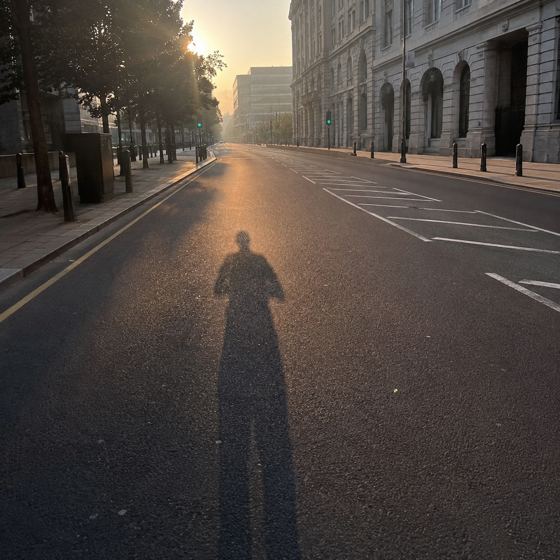
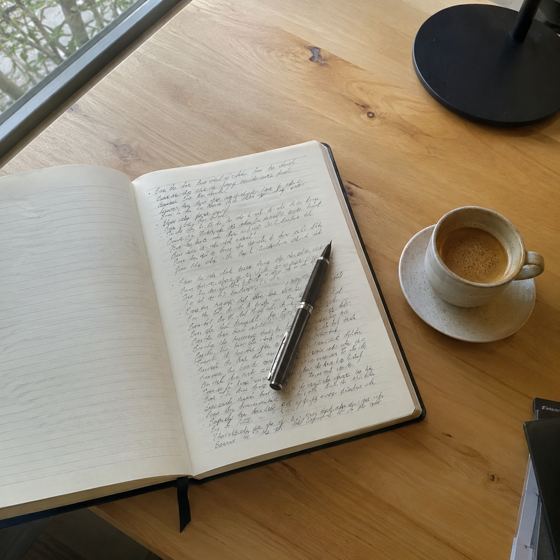
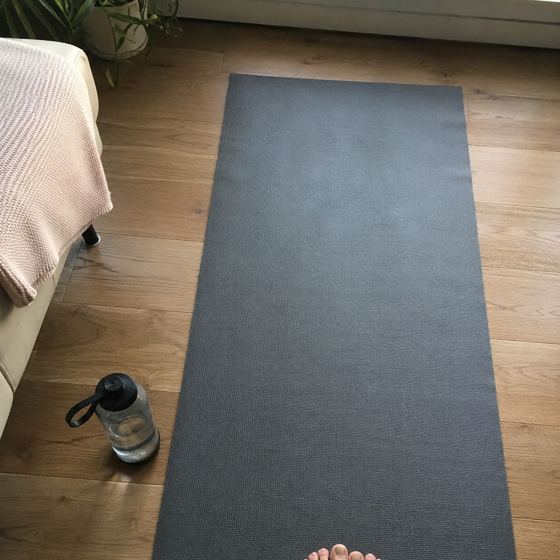
Check something off and the camera opens. One shot, straight from the lens, pinned to that exact task forever. No camera roll uploads, no filters, no checking off the gym from your couch.
Before it saves, one question: the room, or just you. Some wins are for your crew. Some are nobody's business.

 🔥 2
🔥 2

 💪
💪
one link invites anyone, even people who don't have Daily yet
crews
Bring witnesses.
A crew is three to six people who see each other show up. Proofs land in the room, reactions fly back, and the last one in gets a gentle nudge. Nothing older than yesterday, because nobody cares what you did in March.
One link invites anyone. Even someone who's never heard of Daily: they tap it, they sign up, they're in your room by tonight.
A month of receipts.
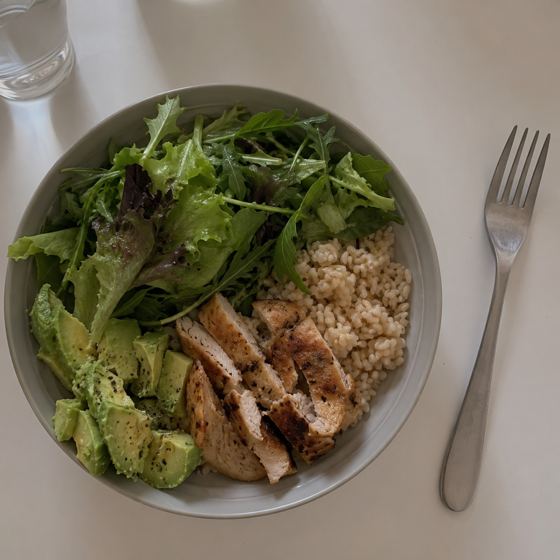
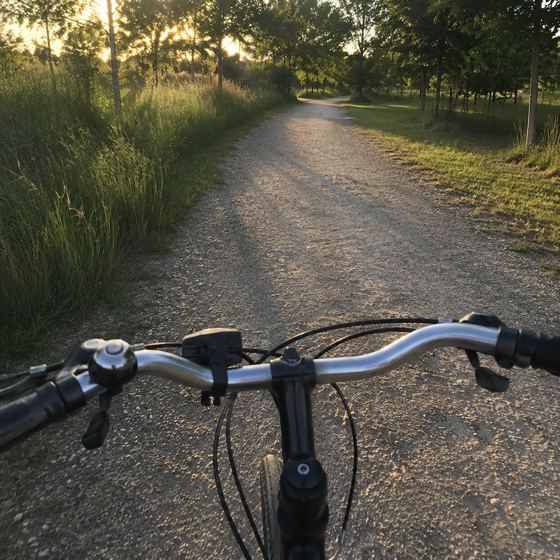
Every proof files itself into your gallery, tagged with the habit it proves. Scroll back a month and there it is: evidence you kept going.


Reminders with taste.
Daily knows your timezone and pings only when it matters: a streak about to break, the crew posting without you, someone reacting to your proof. Never a 9 a.m. guilt trip.
Built for the night shift.
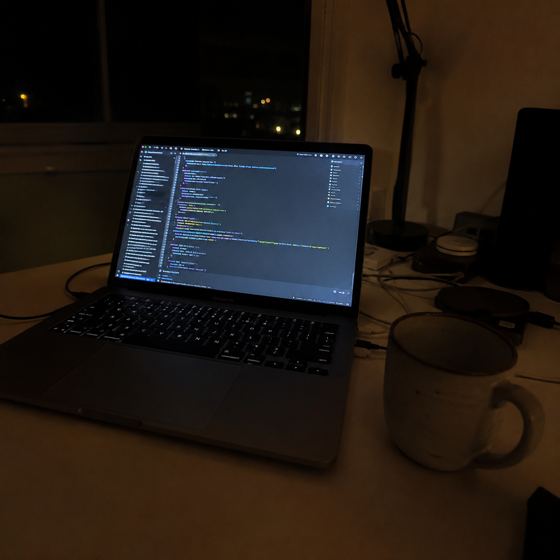
Every other app ends your day at midnight, as if you've ever stopped at midnight. In Daily, the day rolls over at 04:00. The 1 a.m. push still counts as today, because it was. And yes, there's a dark theme worthy of the hour.
Desk or pocket. Same day.
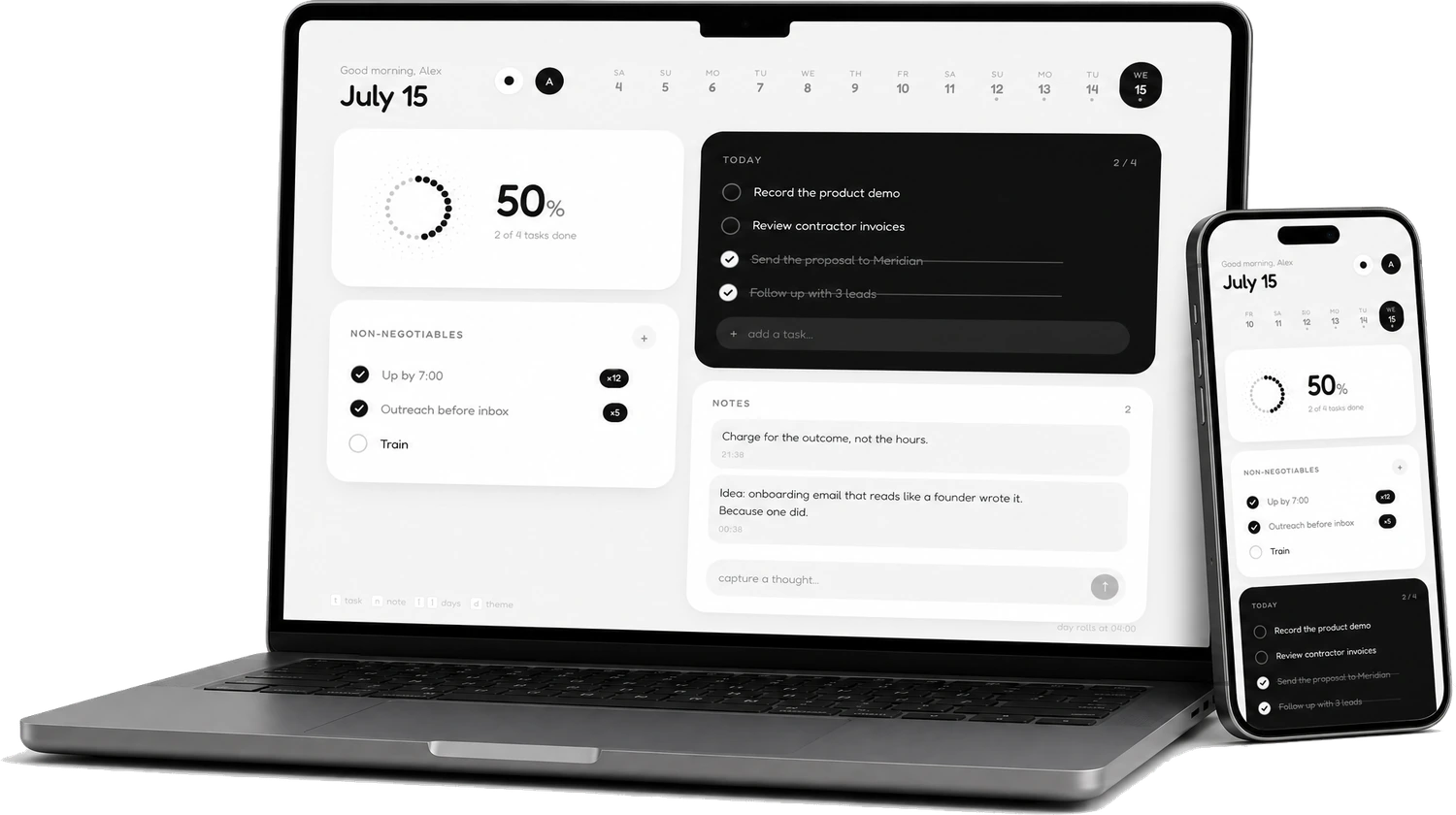
Full two-column command center on the desktop, a native-feeling app on your phone's home screen. It's the same board everywhere, synced live.
On your home screen in ten seconds.
No App Store, no download, no update nags. Daily installs straight from Safari and lives with your apps. Full screen, its own icon.
 1
1
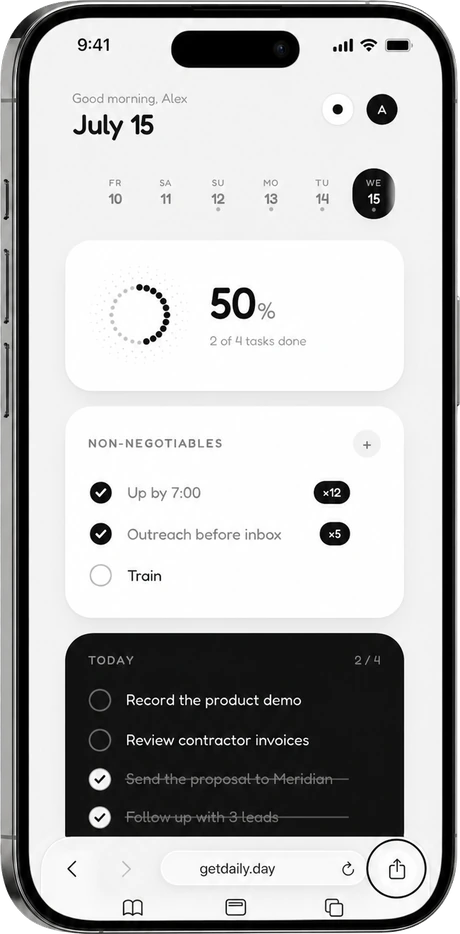
Open & share
Visit getdaily.day in Safari and tap the share button.
 2
2
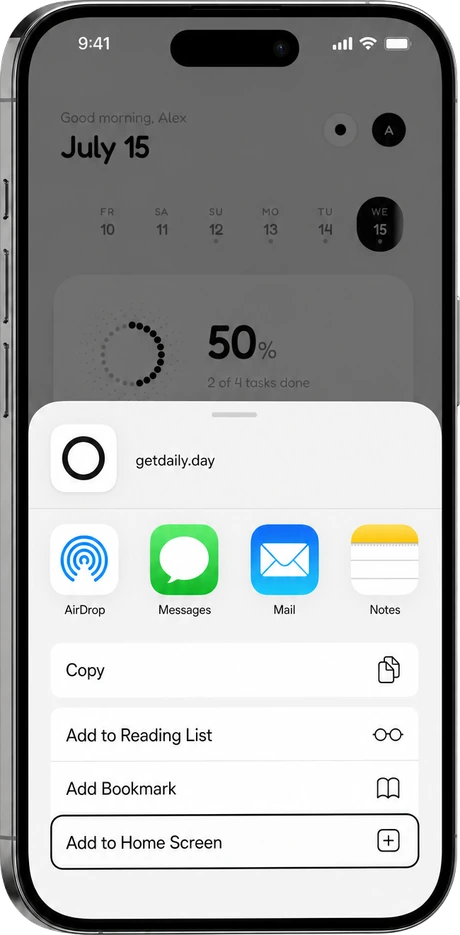
Add to Home Screen
Scroll the sheet and tap Add to Home Screen.
 3
3
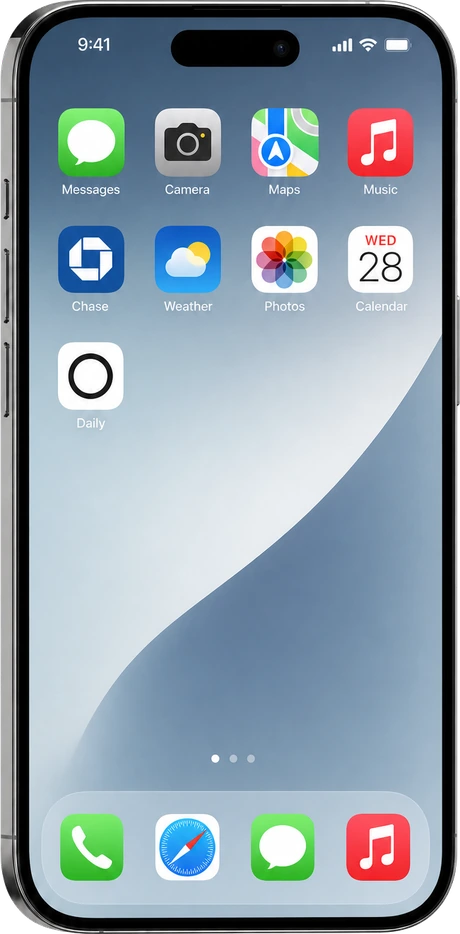
That's it
Daily sits next to your apps. Tap the ring, own the day.
Today is enough.
Tomorrow gets its own page. Bring a crew, or keep it between you and the camera. Free, open source, and yours: the whole thing is on GitHub.
Get started free